




Online Banking and Mobile App
Connect quickly, anytime, to pay bills, transfer money, and much more with online banking and our mobile app (available in the Apple Store and Google Play).
- Connect to your accounts at other institutions and quickly view linked accounts with one sign-in (some restrictions may apply)
- Check your account balances and pending transactions
- Set card controls for alerts and easily lock/unlock your cards
- Transfer money between eligible MAX accounts and connected external accounts
- Deposit a check by photo with Mobile Deposit
- Set up recurring transfers or loan payments
- Create account alerts
- Locate a branch or ATM
- Monitor your credit score
- View processed checks and eStatements
- Apply for loans and credit cards and open additional MAX accounts
- Easily add direct deposits
Enroll Today Contact Us
Get Started Today
Enroll in online banking today and access your accounts 24/7 from anywhere.
Resources
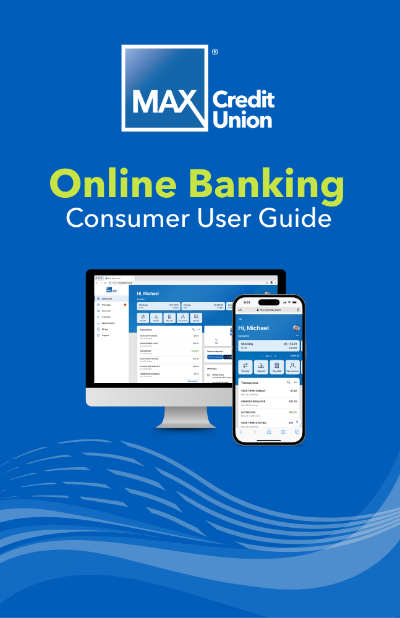

Video Guides
Mobile Banking Basics
Online Banking Basics
Digital Wallet
Add your MAX debit and credit cards to your phone’s digital wallet and enjoy quick, secure contactless payments.
Set up your MAX card in Apple Pay, Samsung Pay, or Google Wallet.
- Use for quick online and in-store (Tap-to-Pay) purchases.
- Your card number is never transferred to the merchant.
- Extra layers of security make it more difficult for retailers to determine specifics about your shopping habits.
Easily lock and unlock your cards, make travel notes, and set transaction alerts and limits. Set up Card Controls in online banking today and stop fraud before it happens.
With products and services to fit every lifestyle and life stage, we are ready to help you manage and grow your money with ease.

Auto loans for the win.
Apply today for a loan with great benefits.

Checking accounts for all.
Checking accounts that fit your family's needs.

Home loans that feel good.
Feel confident with the perfect loan for the perfect home.


Join MAX and reap the benefits.
Are you ready to partner with the most supportive credit union out there? Join now and enjoy the many benefits of credit union membership.